
 CP Live
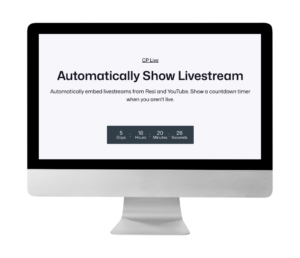
Automatically detects live streams on YouTube and Resi, with a countdown to your next scheduled broadcast.

 Try the demo
See CP Live on a working church website. Opens in a new tab.
“CP Live gives me the flexibility to adjust the times I can enable our livestream button with a few simple steps. The plugin automatically looks for our Livestream on YouTube at the times I input which helps me set it and forget it. I can easily adjust or add times to the plugin which gives us flexibility since we regularly have services throughout the week. This live plugin has made it convenient for us to ensure our congregations will be able to access all of our livestreams no matter the time or day.”
What CP Live does
Publish your livestreams on a schedule, automatically.
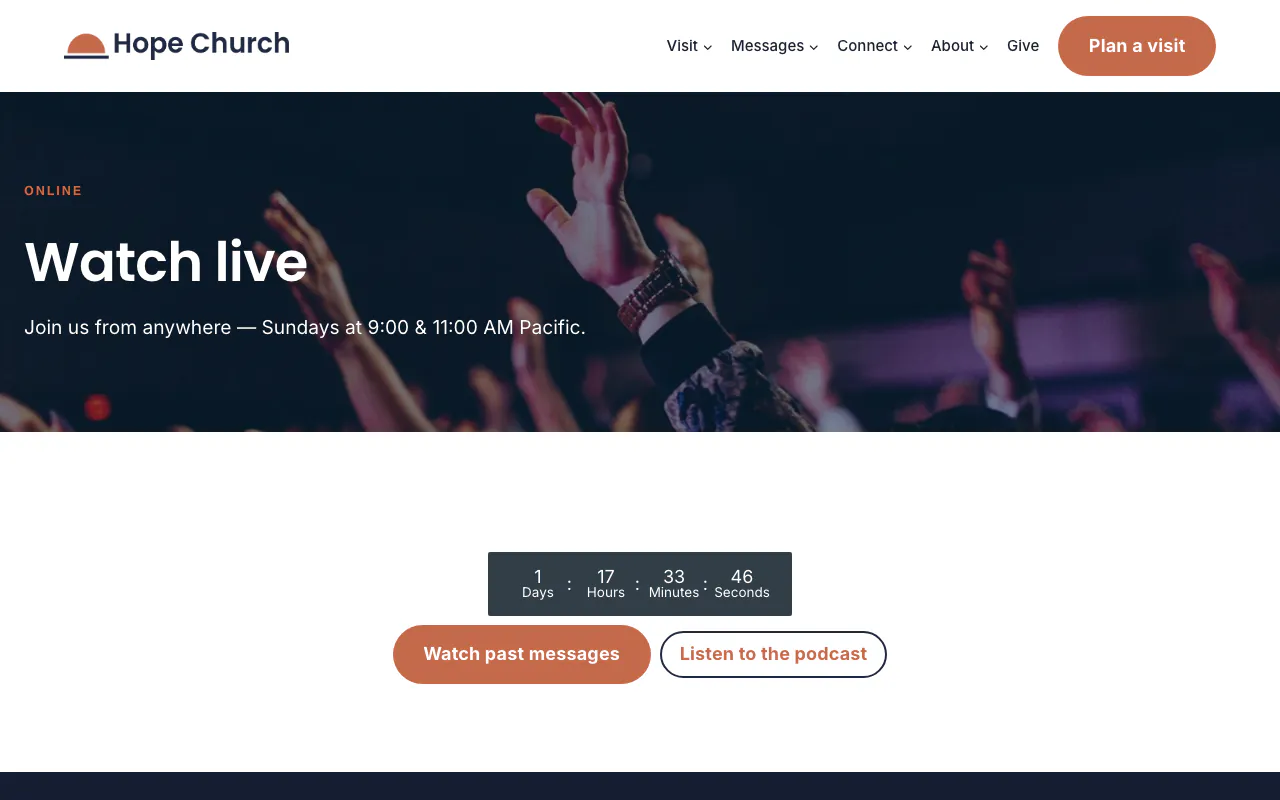
Sunday morning
Shows your stream when you go live
- Automatic live detection Shows the livestream while it's active.
- YouTube Detects a live or next scheduled broadcast.
- Resi Enter your Resi details to detect broadcasts.
- Countdown timer Counts down to the next broadcast.
Schedules
Broadcast schedules you control
- Multiple schedules Add as many weekly broadcast times as you need.
- Advanced configuration When to look, and how long to stay live.
- Multi-campus support A broadcast per campus with CP Locations.
Works with
Check these before you buy. If something you use isn't listed, ask us a question before you buy. Every plan has a 30-day full refund.
Version
- Current version 1.1.1 · Changelog
Works with
Streaming services
- YouTube (needs a free Google API key)
- Resi
Other plugins
- CP Locations (one stream per campus)
Choose your plan
30-day full refund on every plan.
-
Recommended
Yearly
Renews every year for updates and support.
-
Monthly
Renews every month for updates and support.
-
Lifetime
One payment. The license key never expires.
Prices are in USD. Monthly and yearly licenses renew automatically to keep updates and support active. Lifetime licenses don’t renew. Terms
All Access Pass
Need more than one plugin? Get all 6 plugins, plus every plugin we release in the future, under one license.
$249 / year ($183 less than buying all 6 yearly)
Questions about CP Live
Can I schedule multiple streams?
Yes. You can create as many schedules as you like.
Will I exceed my YouTube API limit?
Each free Google API account can make up to 100 requests per day. Unless you have several different schedules on the same day, you should not come close to that limit.
Do you support any other streaming services?
Currently we only support YouTube and Resi. If you would like to suggest a different service, let us know!
What happens when my license expires?
The plugin keeps working on your site. Updates need an active license key, so your site won't get new versions while the license is expired. Monthly and yearly plans renew automatically to keep the license active. Lifetime licenses don't expire.
Where do I find my license key and how do I activate it?
Your license key is on the Licenses tab in My Account, and the plugin zip is on the Downloads tab. In WordPress, go to Settings → CP Live → License, paste the key and click Activate. The active key is what delivers plugin updates to your site. See activating your license.
Reviews
CP Live gives me the flexibility to adjust the times I can enable our livestream button with a few simple steps. The plugin automatically looks for our Livestream on YouTube at the times I input which helps me set it and forget it. I can easily adjust or add times to the plugin which gives us flexibility since we regularly have services throughout the week. This live plugin has made it convenient for us to ensure our congregations will be able to access all of our livestreams no matter the time or day.