
 CP Locations
Make it easy to find the right campus, with a map, location pins and a landing page for each location.

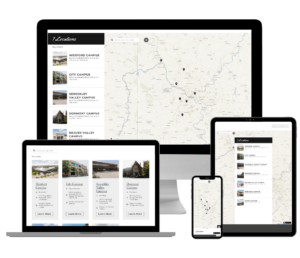
What CP Locations does
Help visitors find the right location.
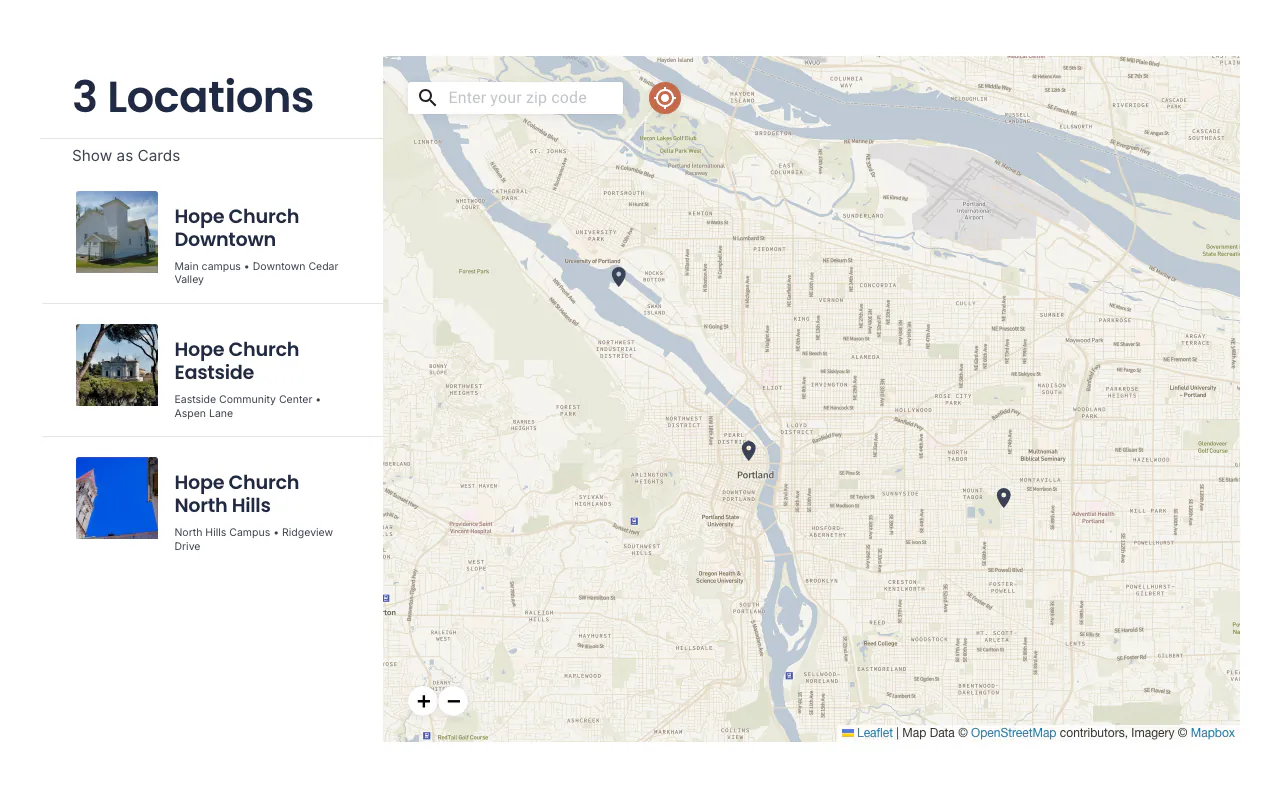
Location finder
Find the nearest location
- Map and list together An interactive map with a list view.
- Sort by distance Enter an address, city or zip.
- Sortable card view Switch to a grid of detailed cards.
- Map pin preview Tap a pin to preview a campus or open its page.
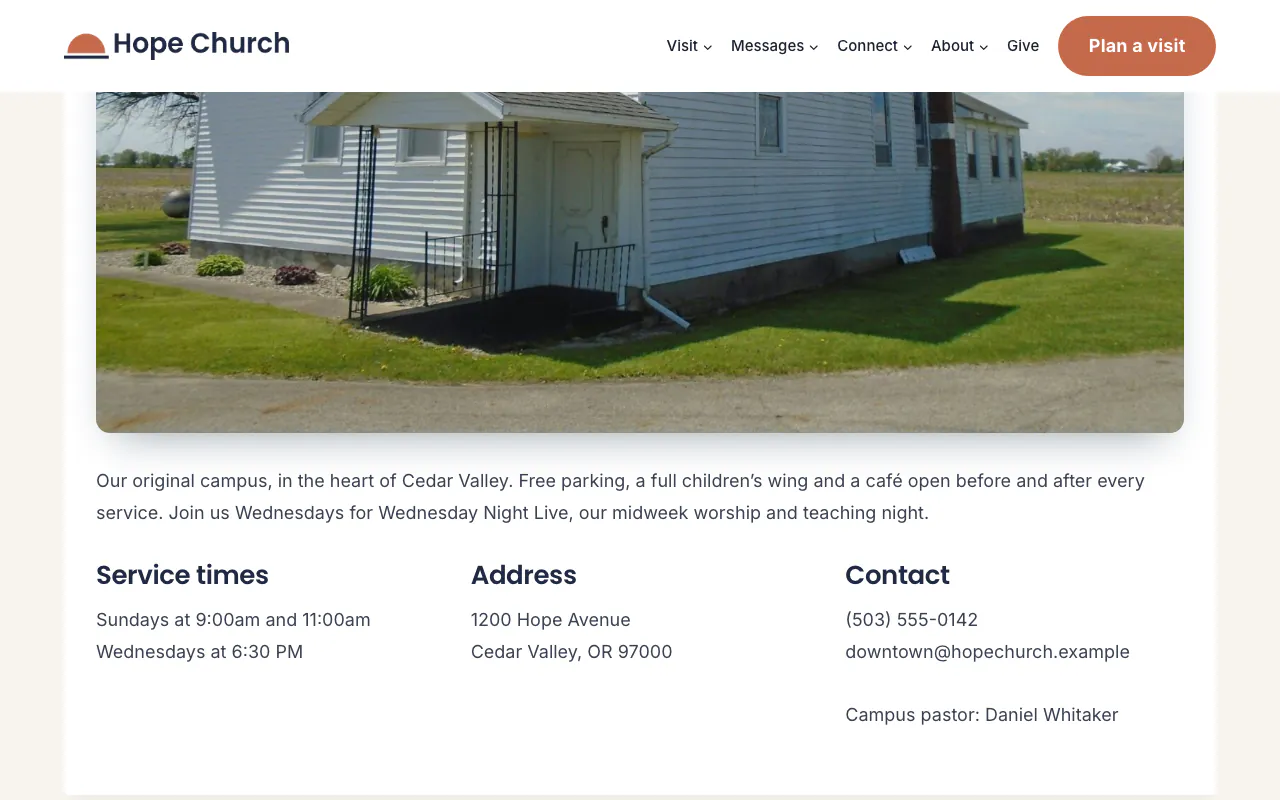
Campus pages
A landing page for every location
- Location landing pages Use it as your campus page, or link to one.
- Details anywhere Show service times and address with shortcodes.
- Location content Campus pastor, service time or custom text.
- Customizable templates Fit your fonts, buttons and colors.
Works with
Check these before you buy. If something you use isn't listed, ask us a question before you buy. Every plan has a 30-day full refund.
Version
- Current version 1.0.10 · Changelog
Works with
Services
- Mapbox maps (needs a free Mapbox API key)
Other plugins
- The Events Calendar (filter events by location)
- CP Groups (filter groups by location)
- CP Sermons and CP Live (content by campus)
Choose your plan
30-day full refund on every plan.
-
Recommended
Yearly
Renews every year for updates and support.
Prices are in USD. Yearly licenses renew automatically to keep updates and support active. Terms
All Access Pass
Need more than one plugin? Get all 6 plugins, plus every plugin we release in the future, under one license.
$249 / year ($183 less than buying all 6 yearly)
Questions about CP Locations
What happens when my license expires?
The plugin keeps working on your site. Updates need an active license key, so your site won't get new versions while the license is expired. Yearly plans renew automatically to keep the license active.
Where do I find my license key and how do I activate it?
Your license key is on the Licenses tab in My Account, and the plugin zip is on the Downloads tab. In WordPress, go to Locations → Settings → License, paste the key and click Activate. The active key is what delivers plugin updates to your site. See activating your license.